THE EASIEST WAY TO USE BLUE VO!CE IS TO SELECT A PREMADE PRESET EITHER FROM THE STOCK DEFAULTS OR BETTER YET, FROM THE COMMUNITY. SIMPLY CLICK “BROWSE” IN THE BLUE VO!CE OR EFFECTS MENU TO CHECK OUT THE COOL STUFF MADE BY OTHER G HUB USERS.
MASTER YOUR MIC
The easiest way to use BLUE VO!CE is to select a premade preset either from the stock defaults or better yet, from the community. Simply click “BROWSE” in the BLUE VO!CE or Effects menu to check out the cool stuff made by other G HUB users.
EFFORTLESS AUDIO ENHANCEMENT
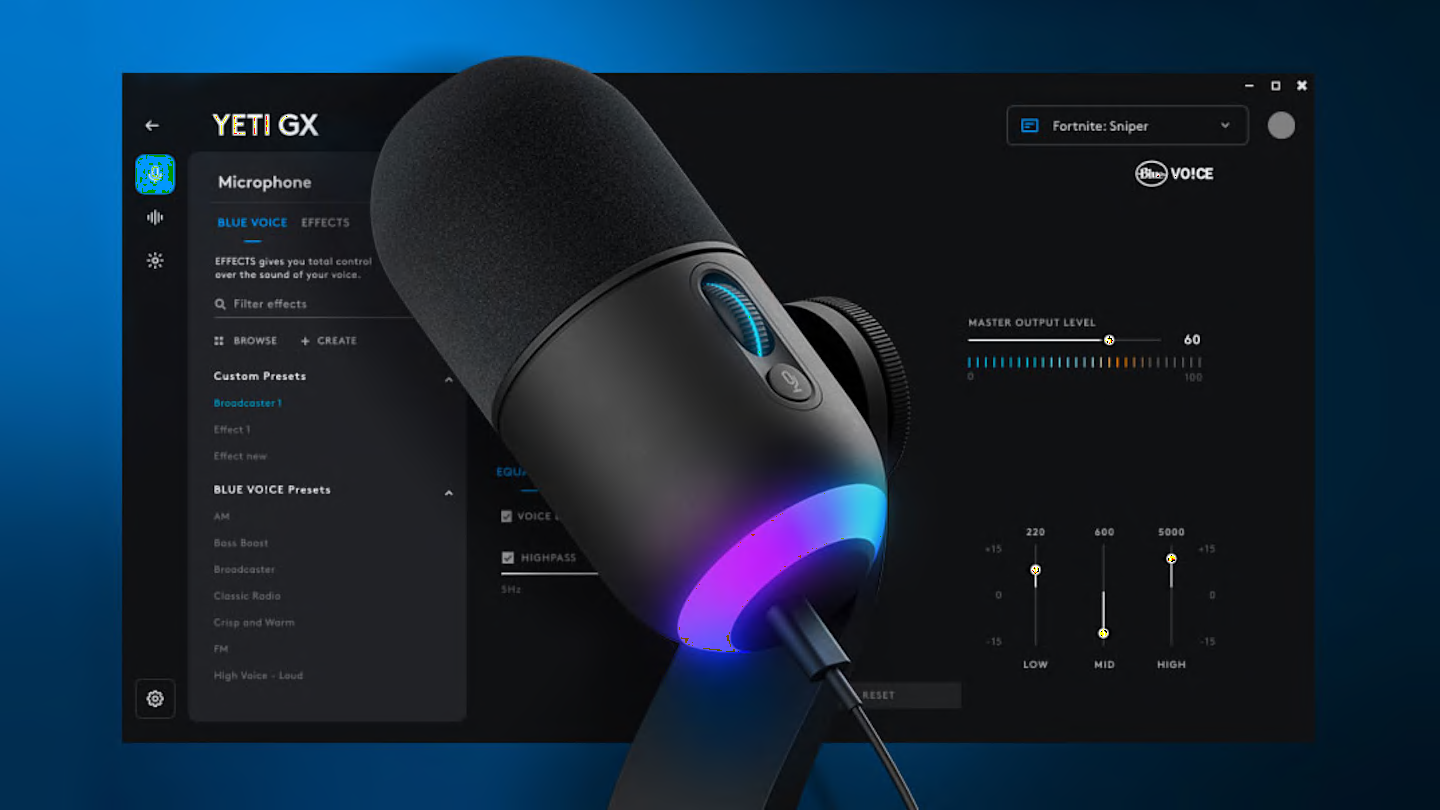
Tweak the “Input Gain” to get a clean signal for clear voice comms. The signal then goes through EQ, SIGNAL CLEANUP, then to EFFECTS.
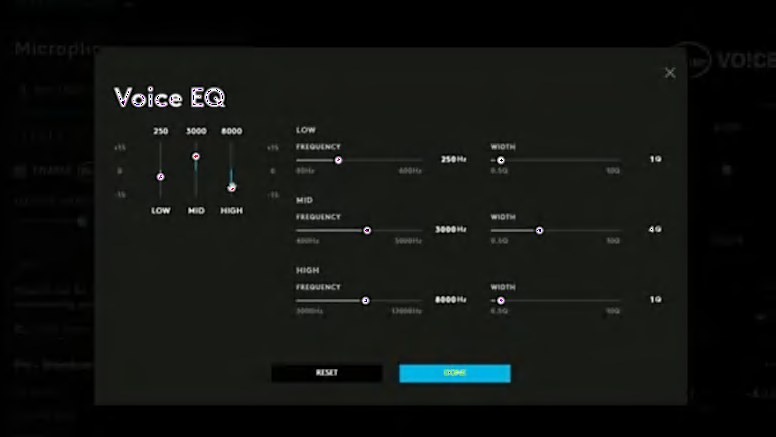
PERFECT VOICE TURNING
Mic EQ lets you tweak certain frequencies to complement your voice or to remove unwanted clicks and keystrokes. It can also be used aggressively to give you that 90’s FM radio DJ vibe.
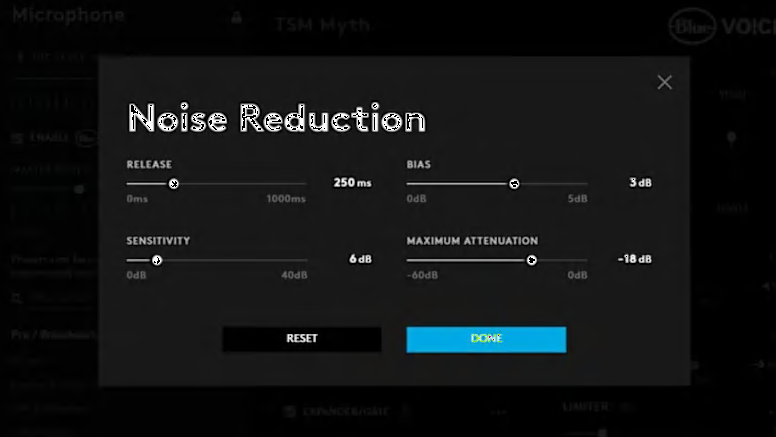
SIGNAL CLEANUP
Features broadcast-style filters to enhance mic clarity and eliminate unwanted noise. NOISE REDUCTION, GATE, COMPRESSOR, DE-ESSER, DE-POPPER, and LIMITER optimize audio by reducing background sounds, balancing levels, and preventing distortion. Presets simplify setup so you can focus on hitting your shots instead of tweaking settings.
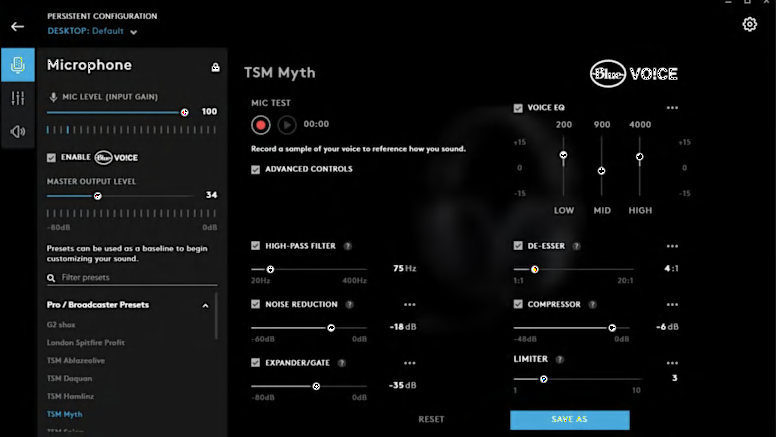
VOICE MODULATION
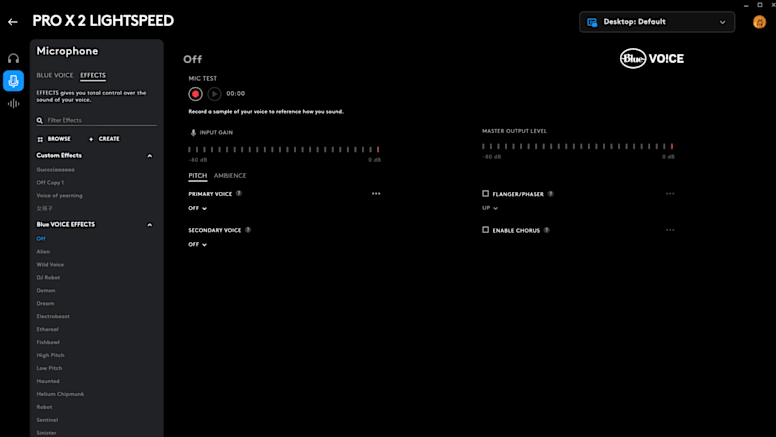
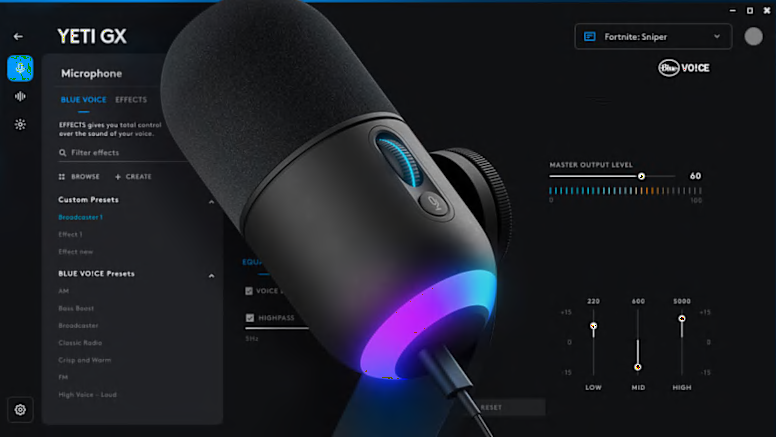
The EFFECTS tab lets you modulate your voice with powerful filters, including pitch shift, formant shifting, and reverb delay. Explore presets or create unique combinations to share with the Logitech G community.
SAMPLER TOOL
The SAMPLER TOOL lets you play or record audio with BLUE VO!CE effects, outputting directly through your mic. Simply set your mic or headset as the primary device to play audio seamlessly, whether for content creation or using hotkeys as an MPC.
G HUB TIPS AND TRICKS
Check out some more cool ways to dial in your setup
G HUB GAMES
With Logitech G HUB’s Games feature, manage your library from one app. Launch, organize, and customize everything.
LEARN MOREGHUB BASICS
Set your DPI, make your first assignment and try out some cool LIGHTSYNC effects. Take a hands on tour of the basics of G HUB.
LEARN MOREHERO 2 SENSOR
HERO 2 is our flagship gaming grade optical mouse sensor. Check out how to dial in the exact settings for you.
LEARN MORELIGHTSYNC RGB
LIGHTSYNC RGB technology is awesome for personalization and setting your vibe.
LEARN MOREFAQ
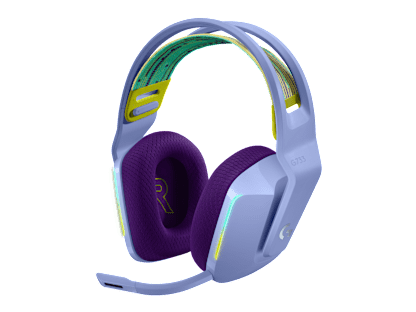
EXPLORE BLUE VO!CE ENABLED GAMING GEAR
Check out some of our amazing Logitech G gaming gear that all use BLUE VO!CE to enhance and expand capabilities